

February 16, 2026
Glassmorphism in 2026: How to Use Frosted Glass Without Killing UX
Introduction
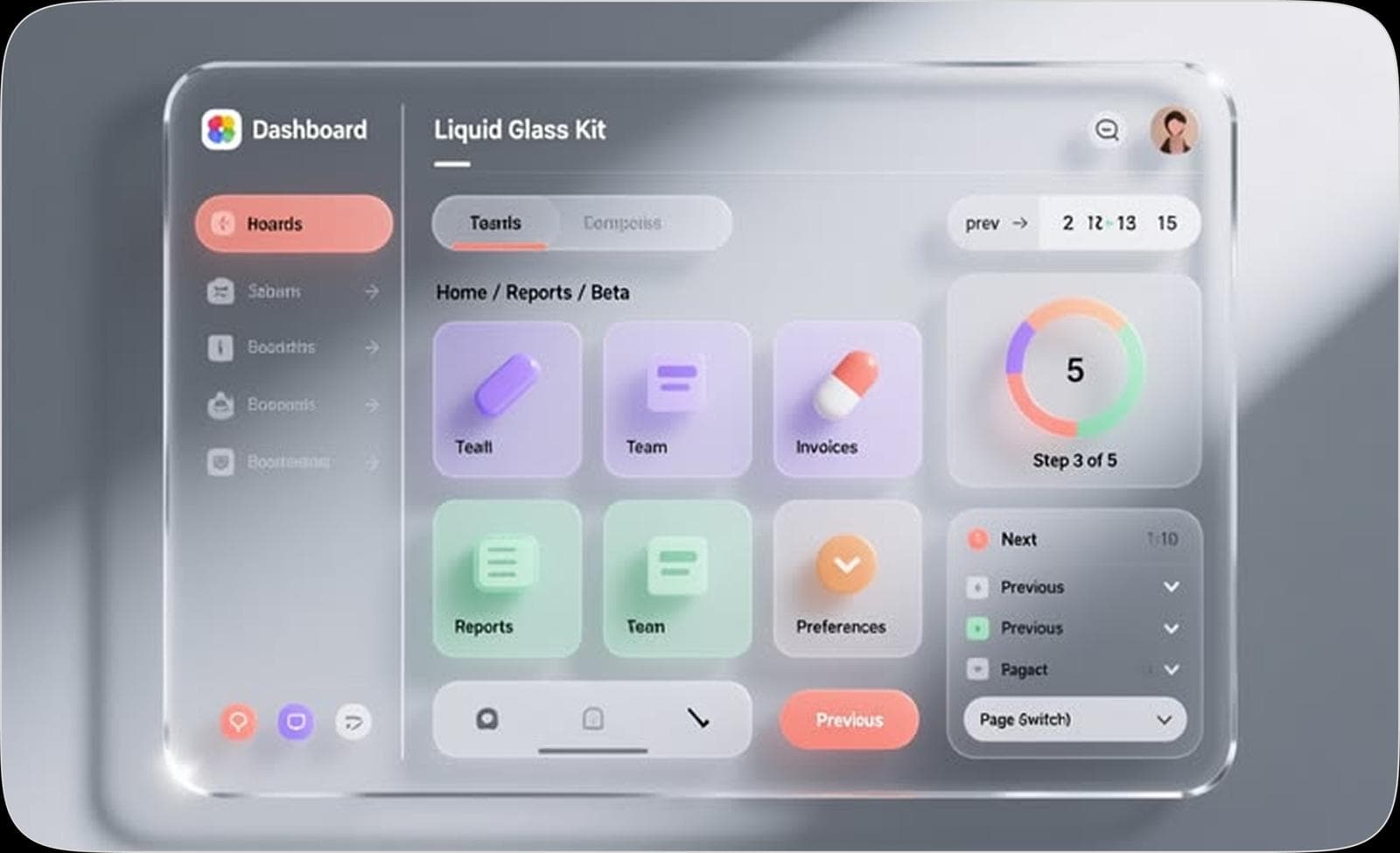
Glassmorphism has become one of the most recognizable UI trends in modern digital design. With its frosted glass backgrounds, soft transparency, and layered depth, it creates visually appealing interfaces that feel modern and premium. However, if implemented poorly, glassmorphism can reduce readability, create visual clutter, and negatively impact user experience. In 2026, the key is not just using the trend, but using it strategically and responsibly.
What is Glassmorphism?
Glassmorphism is a design style that mimics frosted glass surfaces using transparency, background blur, and subtle borders layered over colorful or blurred backdrops. It lets designers separate UI elements from the background while keeping the overall interface soft, airy, and visually engaging.
Why Glassmorphism Became Popular
The popularity of glassmorphism grew as modern operating systems and web technologies began supporting blur effects and layered interfaces more efficiently. Designers adopted it because it adds a sense of depth, elegance, and visual sophistication without relying on heavy graphics. When used properly, it helps create interfaces that feel modern while maintaining a clean layout.
The UX Risks of Glassmorphism
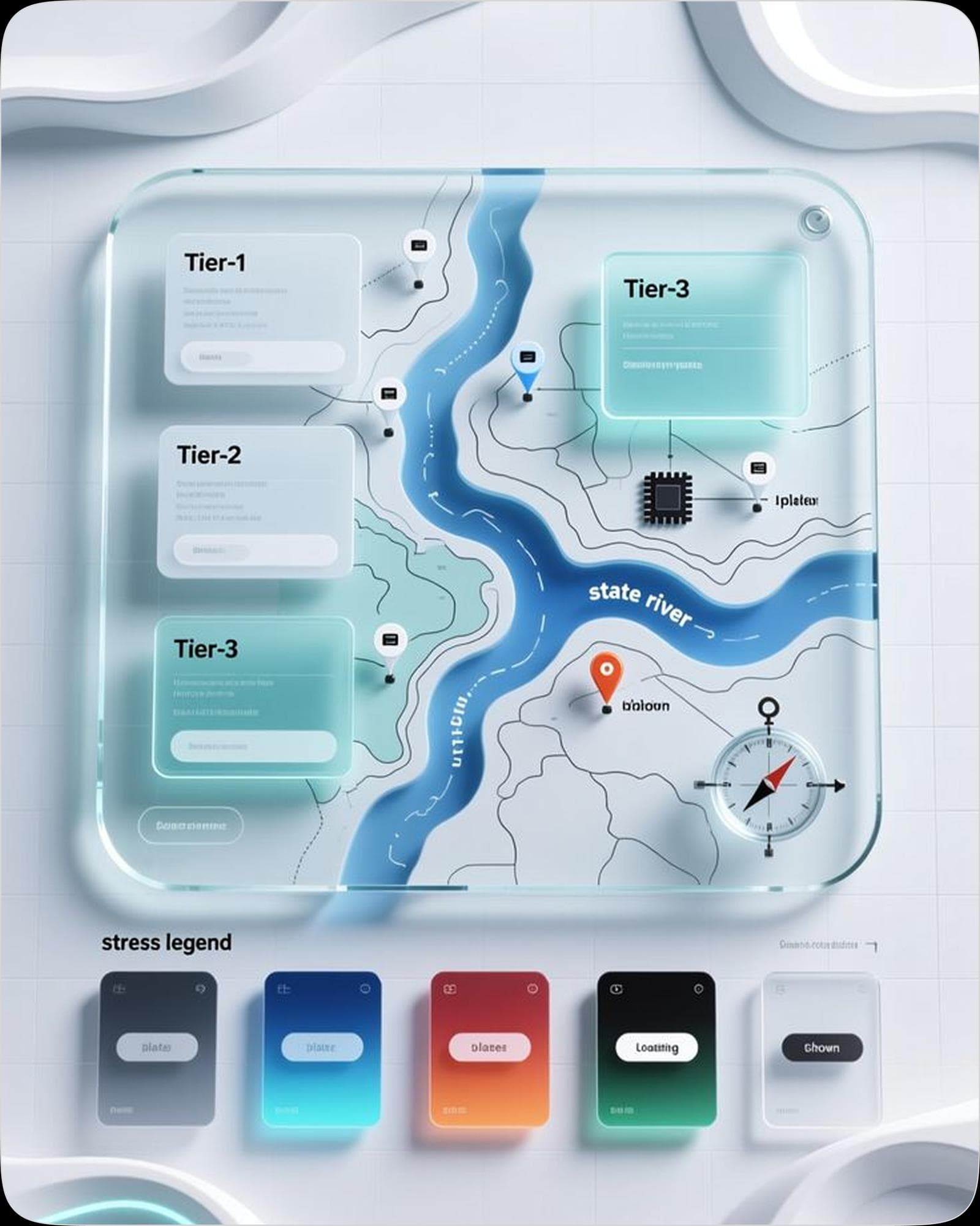
Despite its visual appeal, glassmorphism can introduce usability issues if not handled carefully. Excessive transparency can reduce text readability, especially when backgrounds contain complex images or patterns. Poor contrast between text and glass surfaces may also make interfaces feel confusing or hard to scan. Additionally, overusing blurred elements can create visual noise that distracts rather than organizes.
Best Practices for Using Glassmorphism in 2026
Maintain Strong Contrast
Always make sure that text and icons remain highly readable against blurred backgrounds. Adjust opacity, brightness, or overlays to maintain clear contrast.
Use Glass as a Layer, Not a Layout
Glass elements should highlight important UI components like cards, modals, or navigation panels rather than forming the entire layout.
Keep Backgrounds Simple
Glass effects work best when the background is minimal. Busy image-heavy backdrops can reduce clarity and make content harder to read.
Limit Overuse
Using too many glass panels can create visual noise. Apply the effect selectively to maintain hierarchy and focus.
Prioritize Performance
Blur effects can impact performance if used excessively. Optimizing animations and limiting heavy blur effects ensures smoother interactions across devices.
The Future of Glassmorphism
In 2026, glassmorphism is evolving from a visual trend into a refined design technique. Designers are using it more subtly—combining transparency, soft shadows, and layered layouts to create depth without sacrificing usability. The goal is to balance aesthetic appeal with functional clarity.
Conclusion
Glassmorphism can elevate the visual quality of digital products when used thoughtfully. The key is balancing style with usability. By maintaining readability, limiting overuse, and testing for clarity, designers can enjoy the benefits of frosted glass aesthetics without compromising the user experience.